step 07
Add your gadget
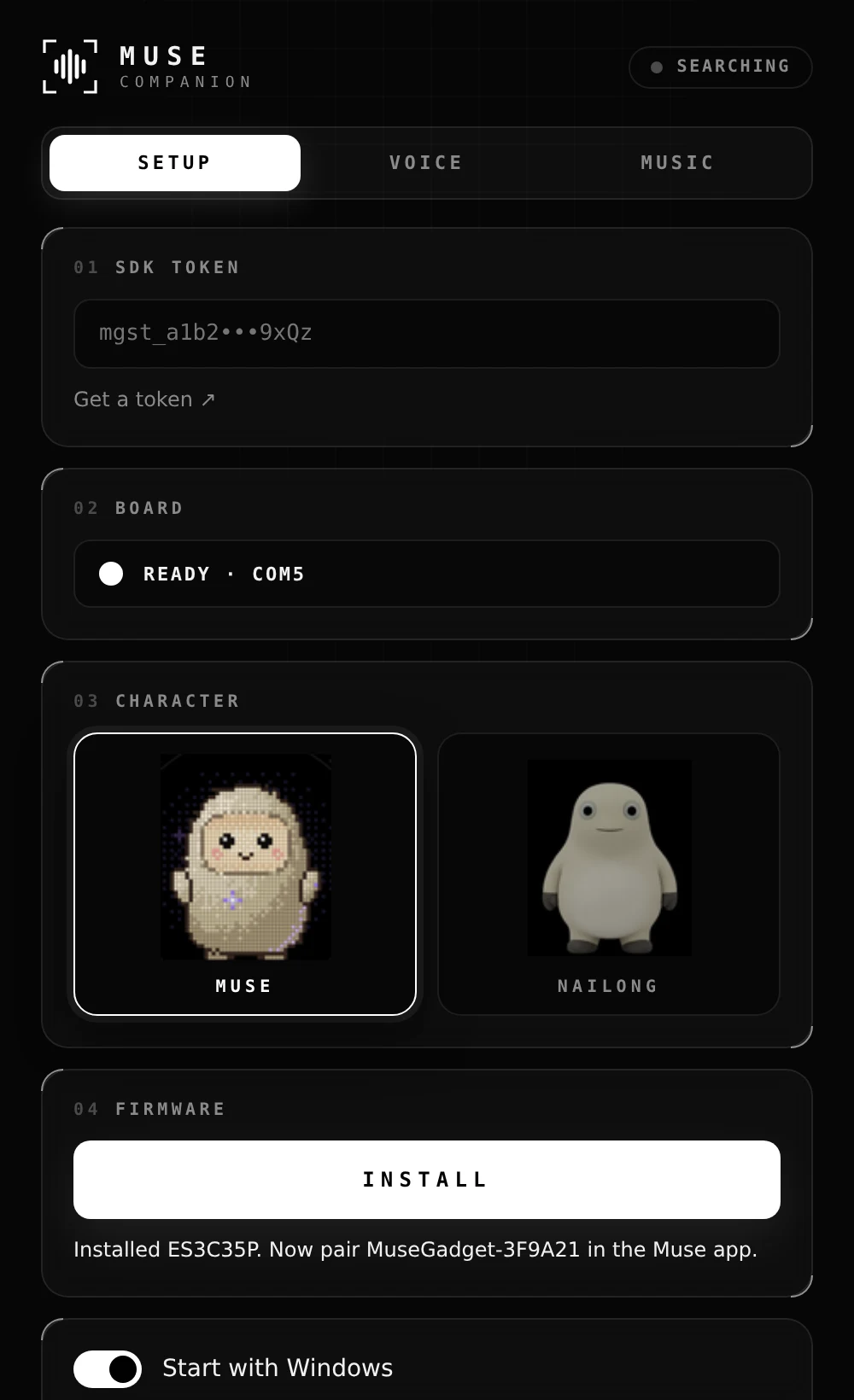
Still in Settings → Devices, tap + (top right). Your board appears as MuseGadget-XXXXXX. Select it and follow the app: it may ask you to confirm on the board with its button, then pick a 2.4 GHz Wi-Fi network.
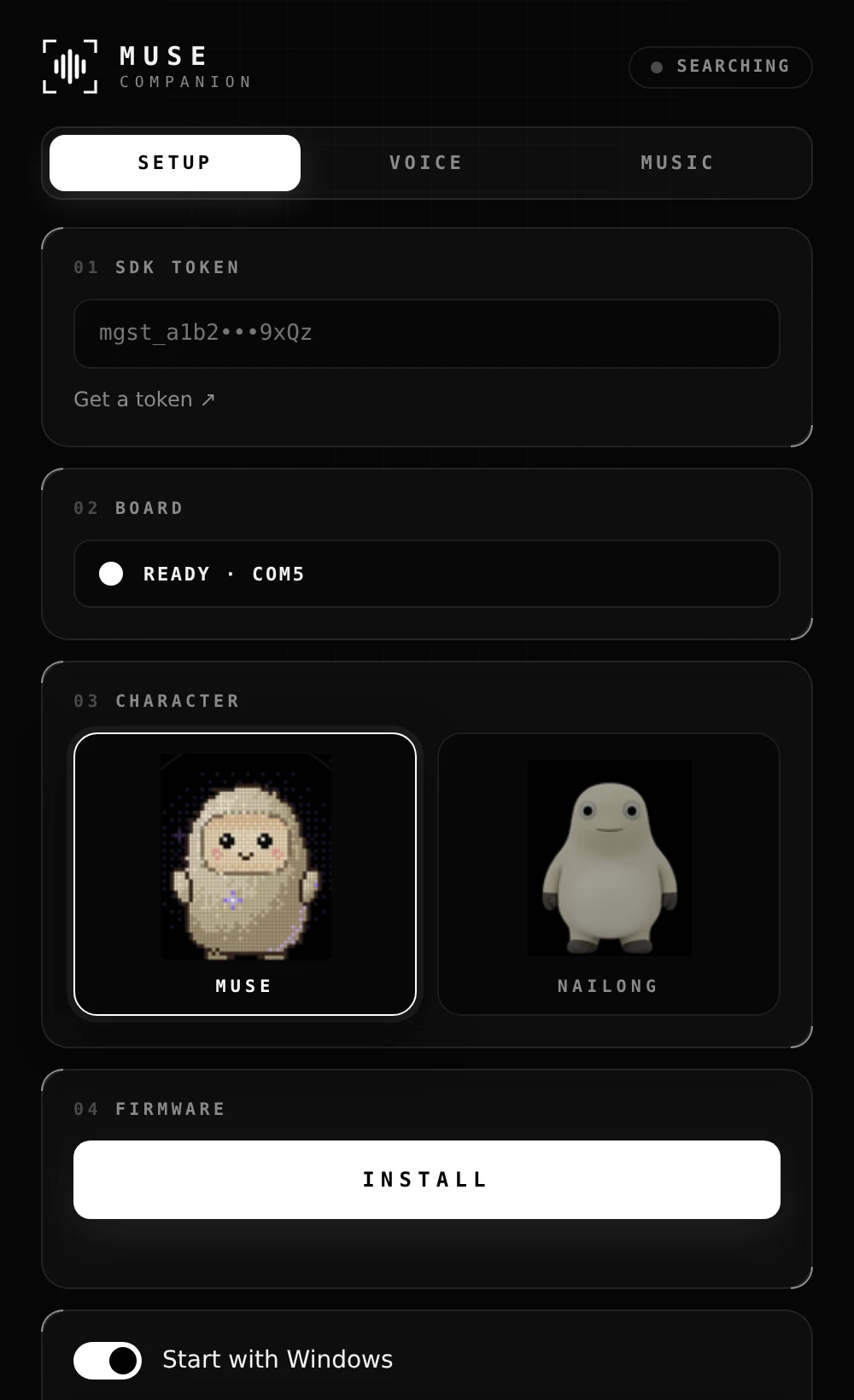
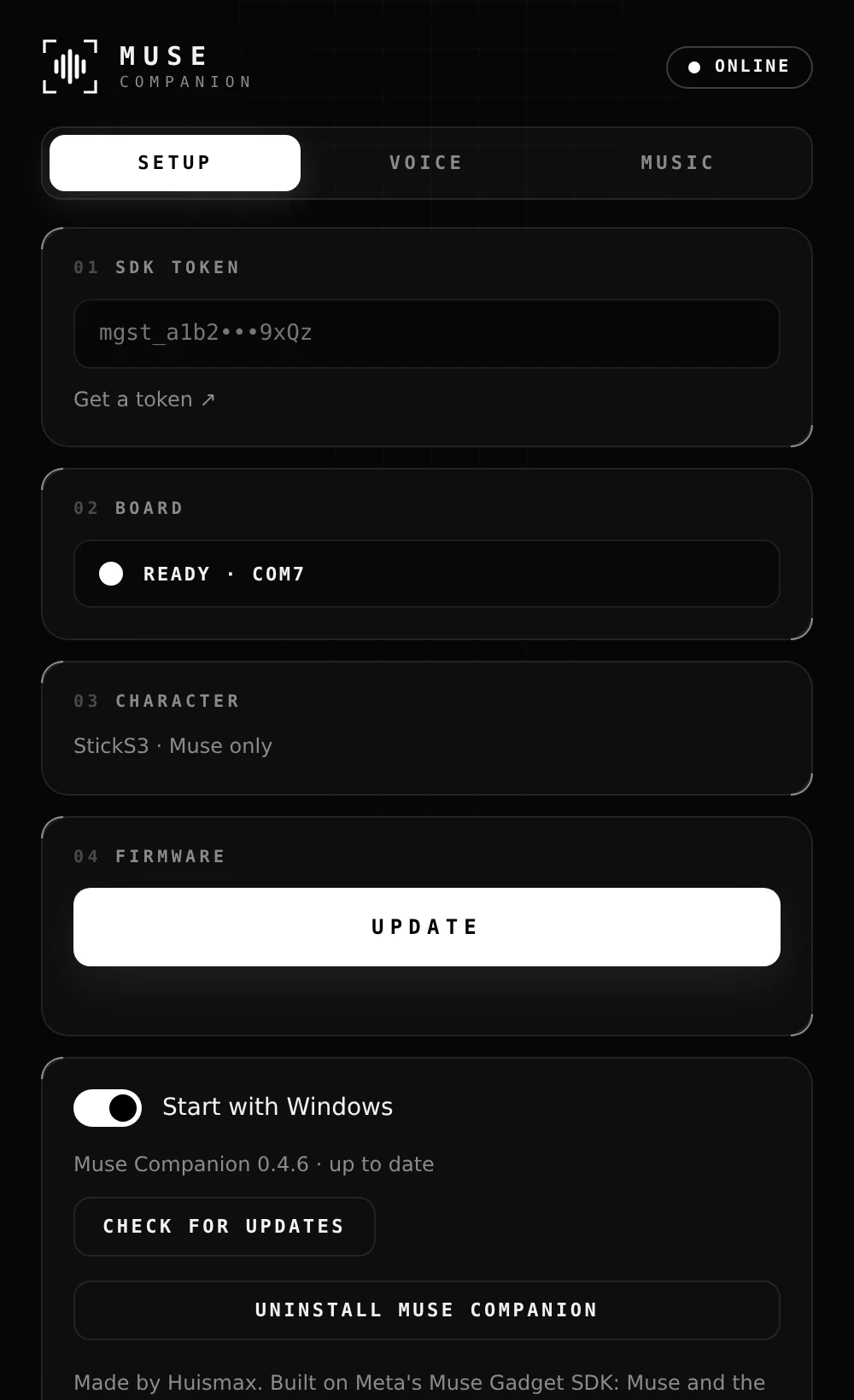
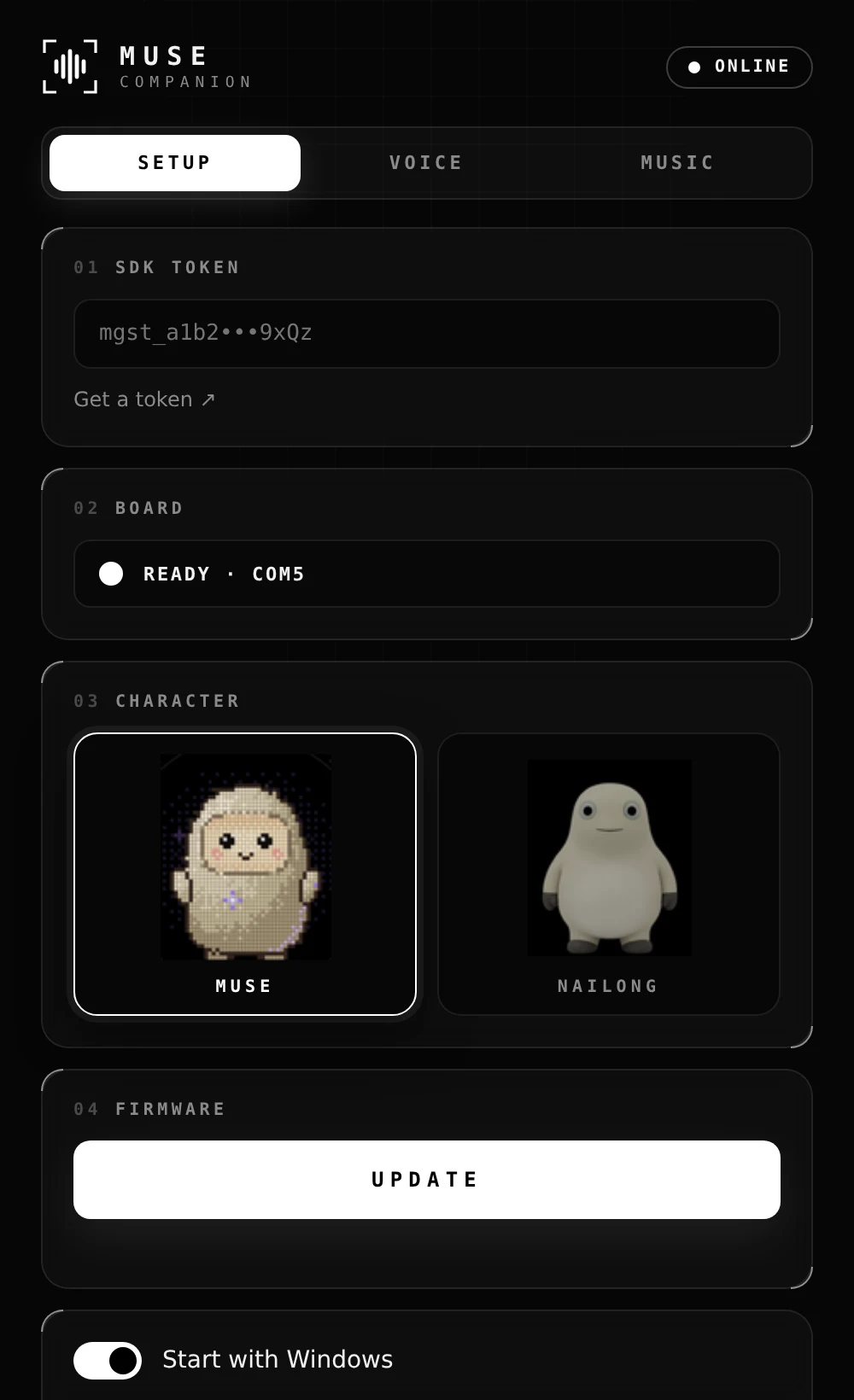
Once it's on Wi-Fi, Companion finds it and the pill at the top says ONLINE. You're done: say "Hey Muse".
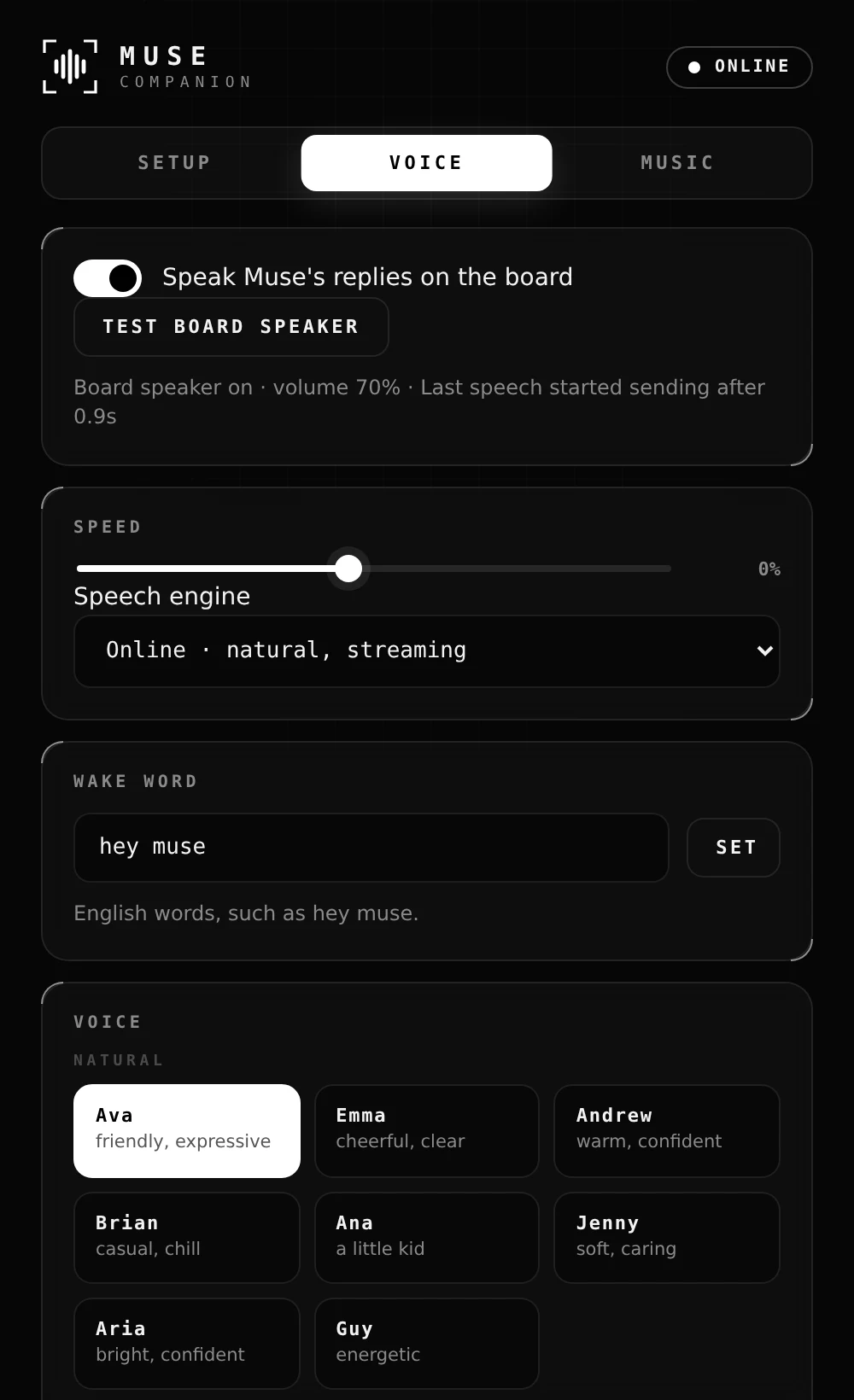
Leave Muse Companion running (it sits in the tray and starts with Windows): it's what speaks Muse's replies on the board, so the PC and the gadget need to be on the same network.